How to set up a GTM system that gets you sales on autopilot
The system my team sets up for funded startups, step by step: find leads automatically, run LinkedIn, email and X as one sequence, and improve it with data every week. With my videos and the real Supermemory sequence.
 Namanyay Goel12 min read
On this page
- Step 1: Map your market and pick the buyers worth a message
- Step 2: Find new buyers automatically
- Step 3: Write a first message people want to answer
- Step 4: Run LinkedIn, email and X as one sequence
- Step 5: Improve it every week from the replies
- Founders running this system
- Get this system running for your company
- Questions founders ask
Do you have some sales but no system to grow? Most funded founders I talk to got their first customers from their network: friends, a launch, a few warm intros. Then the network runs dry, outbound gets silence, and every hour on LinkedIn is an hour away from the product.
What's missing is a system. A GTM system finds the people who need what you sell, starts conversations with them from your own accounts, and gets better every week from what they say back.
I'm Namanyay, founder of PumpGTM (YC P26). My team in San Francisco sets up this system for funded startups, Supermemory among them. This guide is all of it, step by step, with the videos where I show it on screen and four founders who run it. You can run every step yourself. If you'd rather have my team set it up, that's at the end.
Teams at these companies use PumpGTM
 Venture backed
 MastraVenture backed
 AdaptVenture backed
 Windmill
 Y Combinator Summer 2022
 Y Combinator Spring 2026
 Workers.ioY Combinator Fall 2026
 Y Combinator Summer 2020
 Y Combinator Winter 2024
The video above covers targeting and messaging for Supermemory in six and a half minutes. The whole system has five steps:
- Map your market and pick the buyers worth a message.
- Find new buyers automatically.
- Write a first message people want to answer.
- Run LinkedIn, email and X as one sequence.
- Improve it every week from the replies.
Step 1: Map your market and pick the buyers worth a message
Targeting means talking to the people who need your product and not wasting time on the ones who don't. If you're a car mechanic, you want people who own a car, not people who bike to work. Obvious when you say it, and still what most outbound gets wrong, because a bigger list feels like more pipeline.
Start with the whole market on one map, then cut it down. For Supermemory, the memory layer for AI agents, we put every Y Combinator company on one map and made two cuts:
- Remove the very large companies. Supermemory wanted early-stage startups still building new products.
- Keep only the companies building AI agents.
What is left is a list you can reason about. Next to every company goes one line on why it fits. OpenTag, for example, is an early-stage team building an AI coworker inside Slack. It probably keeps all its customers' memory in one place, and Supermemory can help it handle more and more of it.
Do the same for your market:
- Write down what your best customers have in common: what they build, how big they are, and who signed the deal.
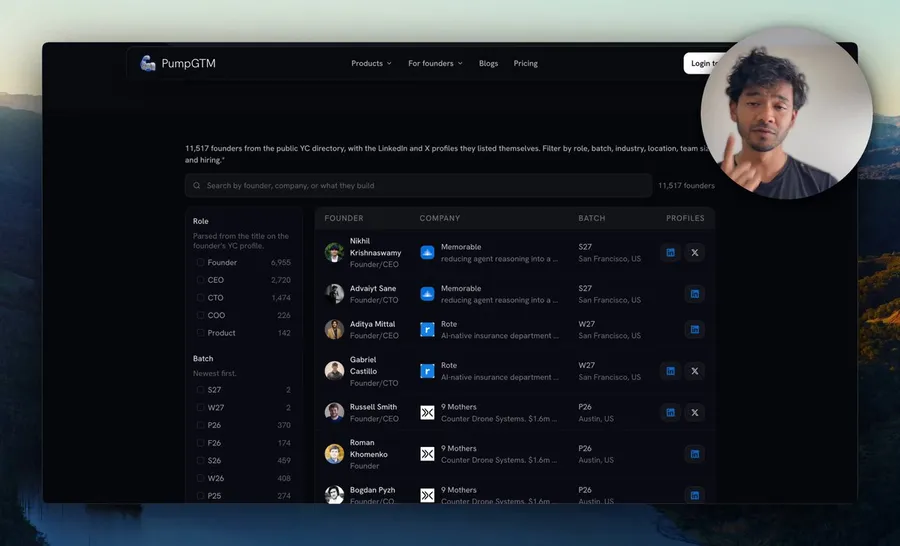
- Find everyone who looks like them. If you sell to startups, start with the free list of every YC founder, with their LinkedIn and X.
- Cut until every name has a reason beside it. If you can't finish "relevant because they're building X, which needs Y" without making something up, leave them out.
For more ways to build the first list, see how to build a lead list with AI.
Step 2: Find new buyers automatically
A list you build once goes stale. The system's job is to keep finding people while they're paying attention, so next month doesn't start from zero.
These sources work best for funded startups, because each one comes with its own reason to reach out:
- People who engage with posts about your problem, on your own posts and on your competitors'. How to turn engagement into prospects.
- Your competitors' customers and followers. They already buy what you sell. The competitor lead universe.
- Companies hiring for the job your product does, or that just raised. They're spending this month. Hiring and funding signals.
- People who signed up and went quiet. Your warmest list is often your own. How Docmost follows up with signups.
PumpGTM keeps pulling new people from sources like these and from 2B+ contact data. It checks each one against your buyer, writes the reason they fit beside their name, and holds them for you. Nothing is sent until you approve it.
Step 3: Write a first message people want to answer
Start with what not to send. Ask ChatGPT for LinkedIn cold messages for a memory infrastructure startup, and you get this:
Hi [first name], came across your work at [company]. I'm building in the memory infrastructure space and connecting with people working on AI systems. Would be great to connect.
Nobody talks like this. "Came across your work" wastes the first line, and "would be great to connect" asks for nothing and offers nothing. The words in between are about the sender, and the reader's problem never comes up. It reads like a bot, so it gets ignored or blocked.
This is the sequence we run for Supermemory instead, from Dhravya's own LinkedIn:
- A connection request with no note. The request only has to get accepted.
- One day after they accept, the first message. It goes straight to Supermemory's strongest argument, file systems versus vector databases, and links the research the team wrote on it. Instead of asking for a meeting, it asks for the reader's take, because the point is to show Supermemory as the expert in memory. This message alone gets a lot of the replies.
- Three days later, a second message for the founders who were busy. It brings a new reason to answer: Supermemory is deploying a new model and onboarding early customers, and it says plainly why it's better.
A lot of those replies turn into signups and booked calls. To write your own, use three rules:
- Start with their problem, in one line they can answer yes or no to before they finish reading.
- Show one piece of evidence that you're relevant: a customer they'd recognize, your GitHub stars, your own research.
- End on a question about their problem. A stranger asking for 15 minutes gets ignored. A question starts a conversation, and the meeting comes out of that.
Then read it out loud. If it sounds like a template, it is one. You approve every message before it goes out, so everything that carries your name is something you'd send yourself. More on this in the three rules for a cold message and how to review an AI-written message.
Step 4: Run LinkedIn, email and X as one sequence
One channel misses too many people. Some founders don't open LinkedIn that week, and some never read cold email. So reach the same person on LinkedIn, email and X in one sequence, and your name shows up more than once. That repetition is what turns a cold name into a reply.
In this video I show the loop for my own sales: one list of YC founders, each reached on LinkedIn, X and email, and every message tracked.

Namanyay
@NamanyayG
here's i got 25 yc-backed customers in 4 weeks & how I'll scale to the next 1,000
while scaling my last product to $100k ARR, I built tons of agentic tooling to do marketing and get more sales
turns out, it was solving problems faced by a LOT of other startups
in just a few
Show more
 1:02

12:31 PM · Sep 27, 202636.6K Views
- 29replies
- 8reposts
- 196likes
- 193bookmarks
Four rules keep it safe and keep it human:
- Send from your own accounts. Messages carry your name, and replies come straight to you.
- Stop everything on the first reply. If someone answers your email, the LinkedIn follow-up doesn't go out.
- Start LinkedIn slowly. A new account sends 5, 7, 10, 15, 16 and then 20 connection requests a day over its first six days, from one IP in your country, and only between 8am and 6pm your time. Read the full LinkedIn safety rules.
- On X, follow first. Only people who follow you back get a DM. See how X outreach works.
You don't need all three channels on day one. Start where your buyers already reply, then add the next one. Email starts once new inboxes have warmed up. More in how to run LinkedIn and email on one list.
Step 5: Improve it every week from the replies
This is the part that compounds. Every message, reply and click is tracked, and every person keeps their source: which list found them, which message they got, from which account, and whether it turned into a meeting. So each week you can see which message, channel and audience works, and put more behind it.
- Test three first messages at once. One leads with the pain, one with how they work today, one with a result. Send all three over the same weeks.
- Judge them by meetings booked. A message with fewer replies but more meetings is the one to keep.
- Read the replies, then fix the right thing. Replies with no real need mean the targeting is off. A real need but no meeting means the ask or the timing. Meetings that don't turn into customers point to what happens after the call.
- Answer fast. Sort replies by what needs a decision: meeting intent, a question, an objection, or not now. A founder asking about price shouldn't wait under forty people saying thanks for connecting.
I wrote up how we measure all of this, and what we learned doing it for YC companies, in this article on X:
Namanyay
@NamanyayG

we run gtm for 10 YC companies. here’s what we learned using AI to automate founder-led outbound
As a YC founder, I had to figure out how to sell my product while building something that people actually want.
1:27 PM · Sep 9, 202653.1K Views
- 52replies
- 15reposts
- 230likes
- 585bookmarks
Founders running this system
This is the same system at four startups. My team set up Supermemory's outbound with Dhravya, and the other three founders run it themselves on PumpGTM.



namanyay.ai and dhravya.dev
12.8Kviews

Dhravya Shah
Founder and CEO, Supermemory
 Backed by Solo Founders Program
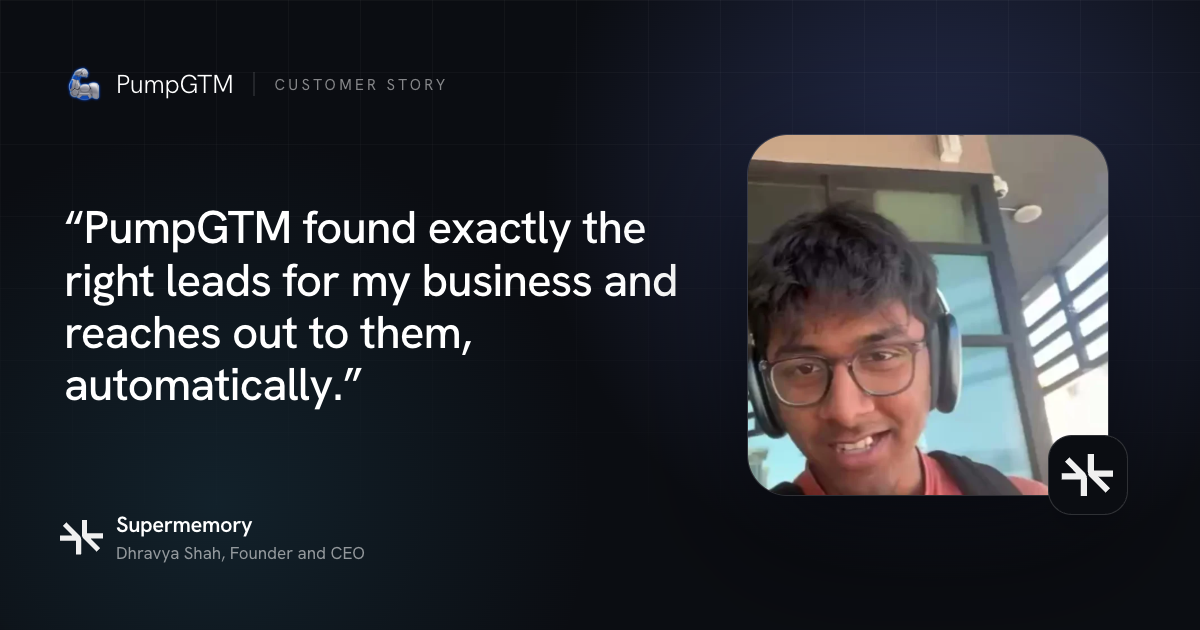
Dhravya Shah runs Supermemory, the memory layer for AI agents, and he doesn't have a week to spend prospecting. We mapped the startups building AI agents, each with a reason it fits, and wrote the two-message sequence from step 3 for him. It sends from his own LinkedIn, and the replies come to him.
“PumpGTM found exactly the right leads for my business and reaches out to them, automatically”Read Supermemory’s story

Albert Cai
Founder and CEO, Harbor
Y Combinator Spring 2026
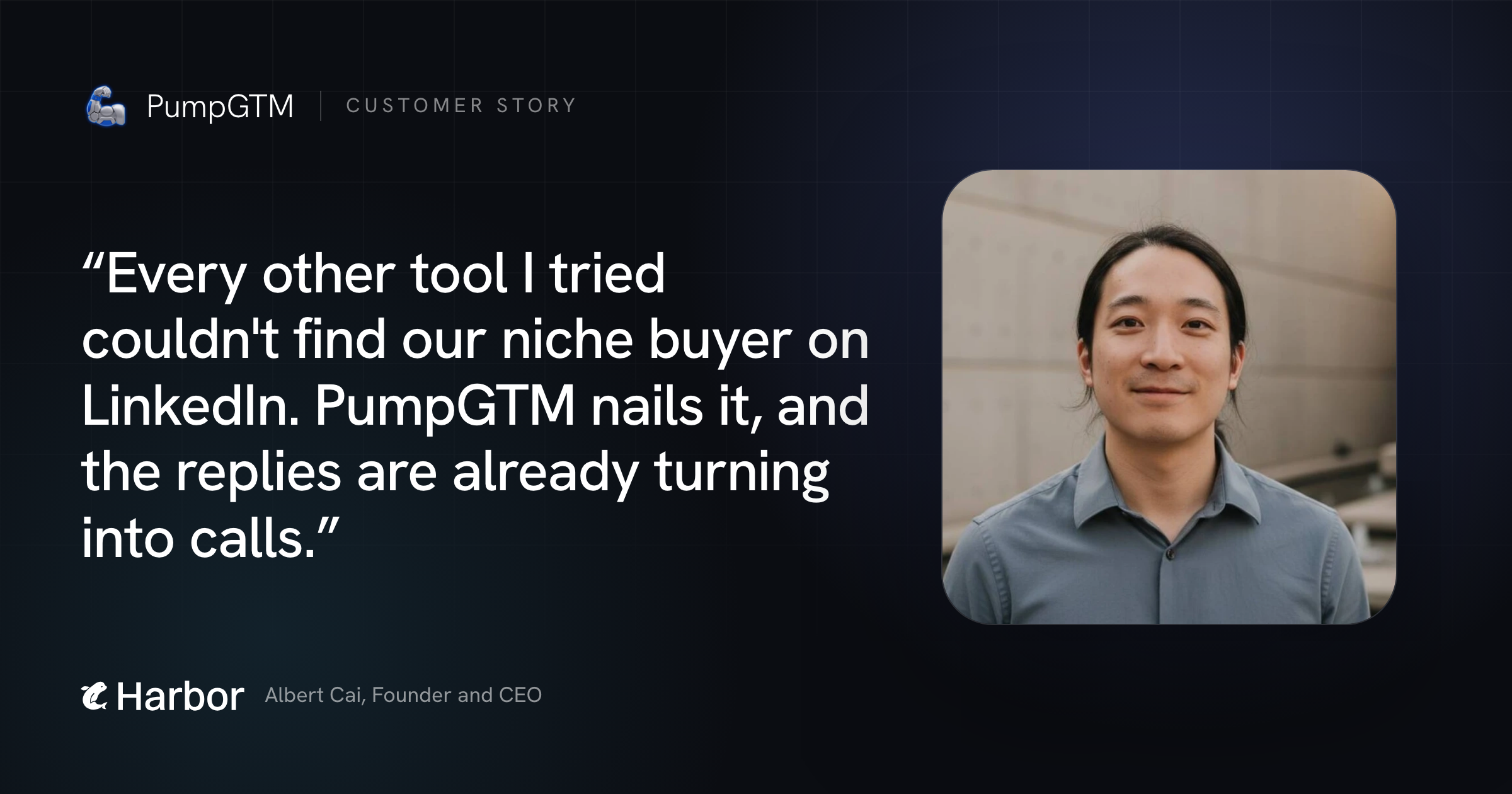
Harbor sells AI for clinical research to clinical leaders at medical device companies, a niche buyer most prospecting tools get wrong. Albert runs it himself: every profile is checked against Harbor's buyer before anyone is contacted, and messages go out from his account and his chief of staff's.
“Every other tool I tried couldn't find our niche buyer on LinkedIn. PumpGTM nails it, and the replies are already turning into calls.”Read Harbor’s story

Chaitanya Choudhary
Founder, Workers.io
Y Combinator Fall 2026
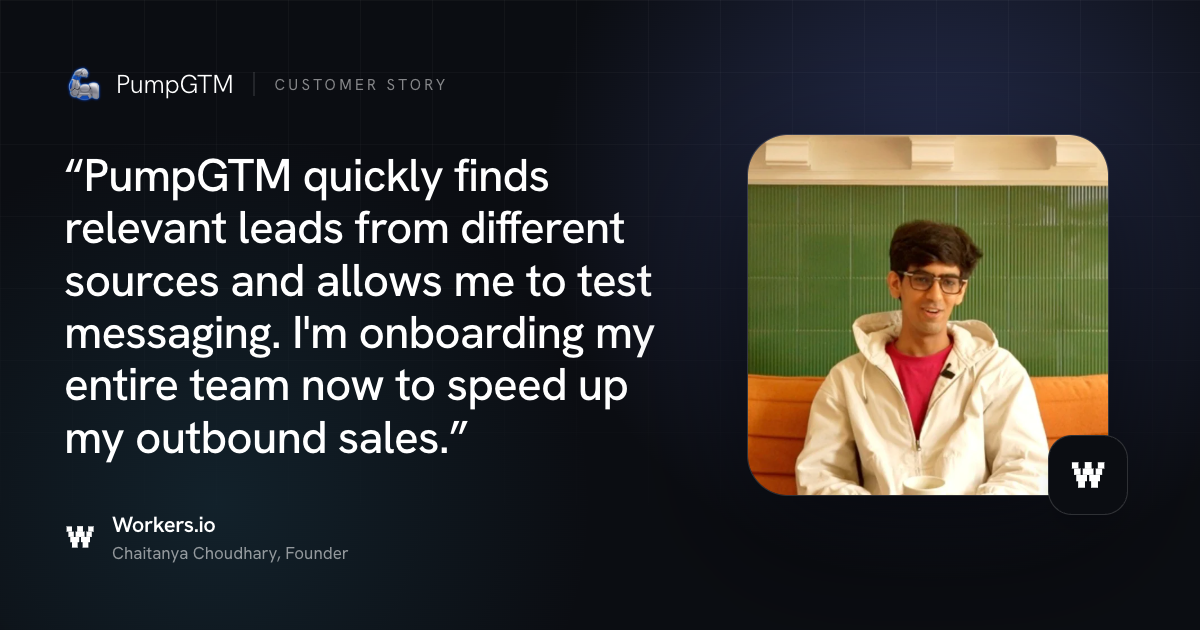
Chaitanya used outbound to find the pitch that makes engineering leaders reply. PumpGTM pulls CTOs, engineering managers and SREs from several sources, runs different messages on them, and shows which message earned each reply. Now his whole team is joining, each sending from their own LinkedIn.
“PumpGTM quickly finds relevant leads from different sources and allows me to test messaging. I'm onboarding my entire team now to speed up my outbound sales.”Read Workers.io’s story

Rahul Arulkumaran
Founder, Browzer
 Featured on Product Hunt
Browzer sells to developer relations leaders, people who read a hundred vendor messages a week and can spot automation in one line. Rahul reviews the people before anything goes out, and every message comes from his own LinkedIn at a person's pace.
“I really like PumpGTM. My automated outreach also feels like a human. Really thoughtful approach man! I think the quality of leads is great, not a slop list like a ton of other products.”Read Browzer’s story
Get this system running for your company
Once it runs, your part of the week comes down to three things: approve the new people and messages, answer the replies that matter, and take the calls. The finding, sending, waiting and follow-ups happen on their own, from your accounts.
There are two ways to get there:
- Have my team set it up, if you'd rather stay focused on engineering and product. Let an expert GTM engineer map your TAM, create your outbound campaigns, and automate thousands of outreach to high-intent buyers to fill your calendar with meetings. We run it with you for 90 days and meet every week to improve it, and everything stays in your account afterwards. It starts with a 25-minute fit call with me.
- Run it yourself on PumpGTM, which runs all five steps from your own LinkedIn, email and X. Start with a 7-day free trial, then it's $75 a month per LinkedIn account.
Questions founders ask
Will LinkedIn ban my account? Your account keeps one IP in your country, warms up over its first six days (5, 7, 10, 15, 16, then 20 connection requests a day) and only acts between 8am and 6pm your time, under a daily cap you choose. I got my own account restricted twice before I learned what causes it, so the full rules are worth a read.
Will the messages sound like AI? Not if you follow step 3. Nothing sends until you approve the people and the messages, everything goes out from your own accounts, and replies come straight back to you.
Do I need LinkedIn, email and X from day one? No. Start on the channel where your buyers already reply and add the next one once it's running. A reply on any channel stops the rest of that person's sequence, so nobody gets a follow-up after they've answered.
How soon does it start? On your own, you can launch your first campaign the day you connect LinkedIn, and the account starts slowly while it warms up. With my team, we agree on your buyers, offer and channels in week one, and outreach goes live in week two.
What if I don't have paying customers yet? Talk to buyers before you scale anything. Take ten people who look like your best guess, write down what each one is building and why they might need you, and message only the ones where every line is honest. The ten-prospect exercise shows how, and my team takes on founders once they have paying customers, funding, or both.
Is PumpGTM a tool or a service? Both. Run it yourself on the software, or have my team run it for you with Done For You.
What does it cost? The software is $75 a month per LinkedIn account after a 7-day free trial. Done For You prices are on the Done For You page, with what each package includes.
Original source · 2026-11-05 · Adapted and expanded for PumpGTM
Namanyay Goel · Founder, PumpGTM
Founder of PumpGTM (YC). Writes about founder-led GTM, LinkedIn outbound, and the systems behind it.
 Supermemory