How to use Claude for sales outreach (and let it send from your own LinkedIn)
Claude writes a good first message, then you paste it into LinkedIn by hand and forget the follow-up. Connect it to an outreach tool and it finds buyers, sends what you approve from your own accounts and tells you who replied.
 Namanyay Goel5 min read
On this page
- What Claude does well on its own
- What connecting an outreach tool adds
- How to set it up with PumpGTM (about two minutes)
- Does Claude write messages as well as a sales tool?
- Three prompts to copy
- Is it safe to let Claude send?
- Who already works this way
- Which outreach tools work with Claude?
- Questions founders ask
Short answer: connect Claude to an outreach tool through an MCP server. Then you can ask Claude, in plain English, to find buyers who fit your product, draft a first message for each, send the ones you approve from your own LinkedIn, email or X, and tell you who replied. On its own Claude can research and write, but it can't send a LinkedIn message, follow up or notice a reply. PumpGTM's MCP server adds those, and so do several other outreach tools.
What Claude does well on its own
You probably use Claude for code and docs already. For sales it's good at three things with no setup:
- Research. Paste a prospect's website or LinkedIn post and ask what they'd care about this quarter.
- First drafts. Ask for a two-line connection request that says why you're reaching out, with no pitch.
- Critique. Paste your own message and ask what a busy founder would skip.
The trouble is everything after the draft. You copy it into LinkedIn, send it by hand, try to remember the follow-up, and check three inboxes for replies. When you're building product, that part never happens.
What connecting an outreach tool adds
An MCP server gives Claude tools it can use for you. With an outreach tool connected, the same chat can:
- Find people. "Find heads of sales at US companies with 50 to 500 people that posted an SDR role this week."
- Draft and send. "Write a connection request for each one, under 300 characters, referencing the role." You read them, fix the few that sound like a template, and approve. They go out from your own account at a safe pace.
- Read replies. "Who replied this week, and which replies are real conversations?"
How to set it up with PumpGTM (about two minutes)
- In Claude (claude.ai or the desktop app), open Connectors in settings, choose Add custom connector, and enter the name PumpGTM and the URL https://mcp.pumpgtm.com/mcp. In Claude Code, run
claude mcp add --transport http --scope user pumpgtm https://mcp.pumpgtm.com/mcp, then type/mcpand choose Authenticate. - Sign in to PumpGTM in the browser window that opens. New here? It's your email and a code.
- Ask Claude: "What can you do for my company with PumpGTM?" It confirms your company from your website and suggests who to reach.
- Connect your LinkedIn inside PumpGTM when you're ready to send. Claude never asks for your password.
Claude for sales has the same steps with screenshots, and pumpgtm.com/mcp covers ChatGPT, Codex, Cursor, Gemini and Grok.
Does Claude write messages as well as a sales tool?
In our data, yes. Messages written by customers' own AI assistants through PumpGTM got replies about as often as messages from PumpGTM's built-in writer (the research).
What moved results was who got the message. People who'd engaged with a related post accepted connection requests far more often than people from a filtered search. Spend your prompts on who to reach, not on rewording the same message ten times.
Three prompts to copy
- "Find people who engaged with LinkedIn posts about [your problem] in the last two weeks and fit [your website]. Show me why each one fits before you draft anything."
- "Draft a two-message LinkedIn sequence for these people. The first message gives something useful about [topic] and asks for their take, not a meeting. Under 60 words each."
- "Who replied this week? Sort them into interested, not now and not a fit, and draft a short answer to each interested one for me to approve."
Is it safe to let Claude send?
It is when the tool, not the chat, controls the sending. With PumpGTM nothing sends until you approve the people and the messages, LinkedIn requests go out from your own account inside a daily cap you set, and a reply stops that person's sequence. How to automate LinkedIn safely has the limits.
Who already works this way
Eric Sabshon at Hank runs several teammates' LinkedIn accounts from one PumpGTM workspace and has started using an AI assistant to create sequences and handle setup. Read Hank's story.
Which outreach tools work with Claude?
PumpGTM, HeyReach, lemlist, La Growth Machine, Apollo.io, Clay, Instantly, Waalaxy and Gojiberry all have MCP servers, and they do different things: some send LinkedIn messages, some only add people to a list, and some cover email only. LinkedIn MCP servers compared shows what each can do.
Questions founders ask
Can Claude send LinkedIn messages by itself? No. It needs a connected tool that sends from your account. Without one, you copy and paste.
Do I need Claude Code, or does the Claude app work? Both work. The app is easier for most people, and Claude Code suits you if you live in the terminal.
Will my messages sound like AI? Only if you send them unread. You approve every message before it goes.
Does it work with ChatGPT too? Yes. The same server works with ChatGPT, Codex, Cursor, Gemini and Grok.
Connect PumpGTM to Claude and ask it who you should reach this week. Nothing sends until you approve it.
Namanyay Goel · Founder, PumpGTM
Founder of PumpGTM (YC). Writes about founder-led GTM, LinkedIn outbound, and the systems behind it.
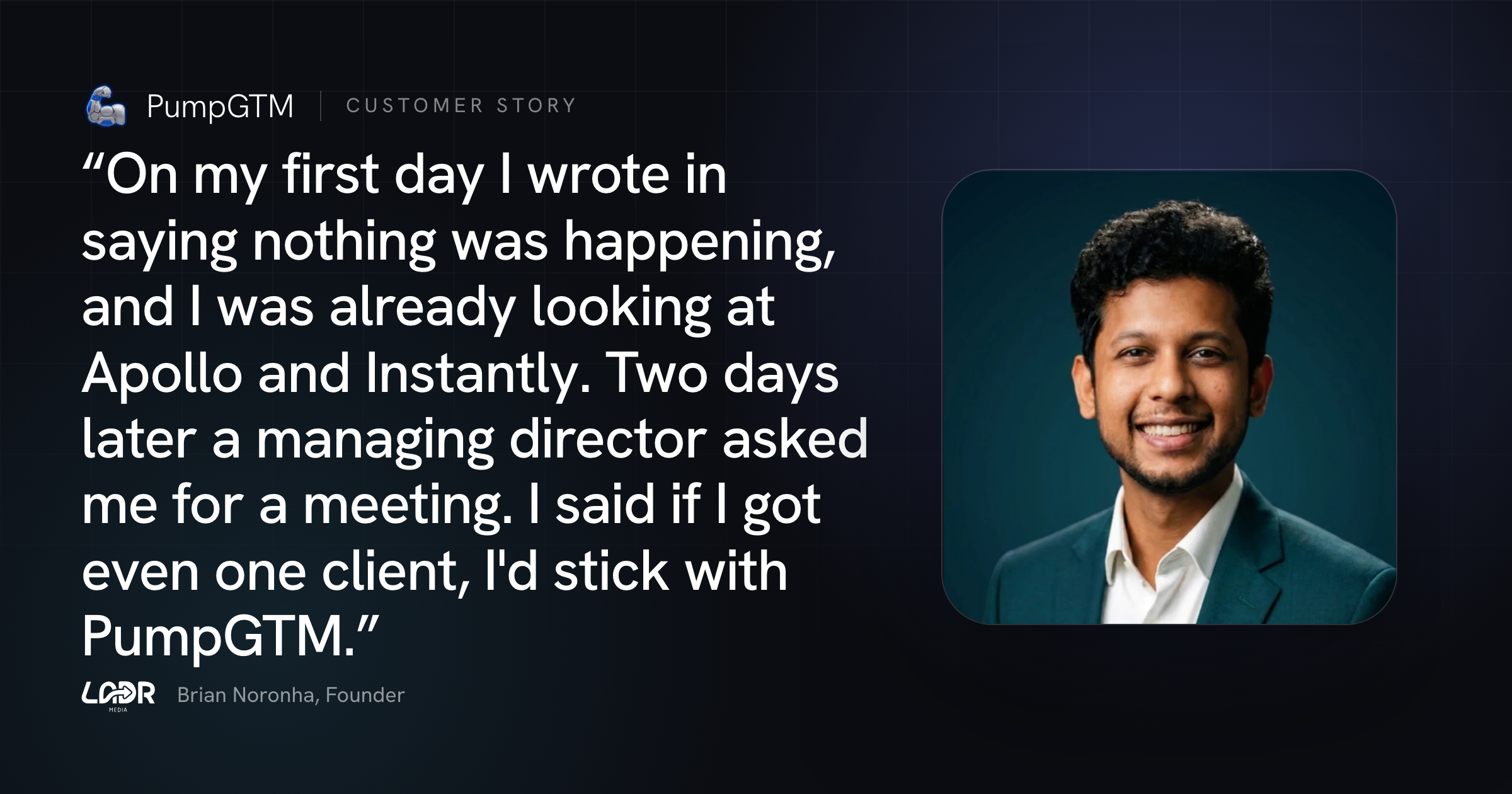
 LADR Media
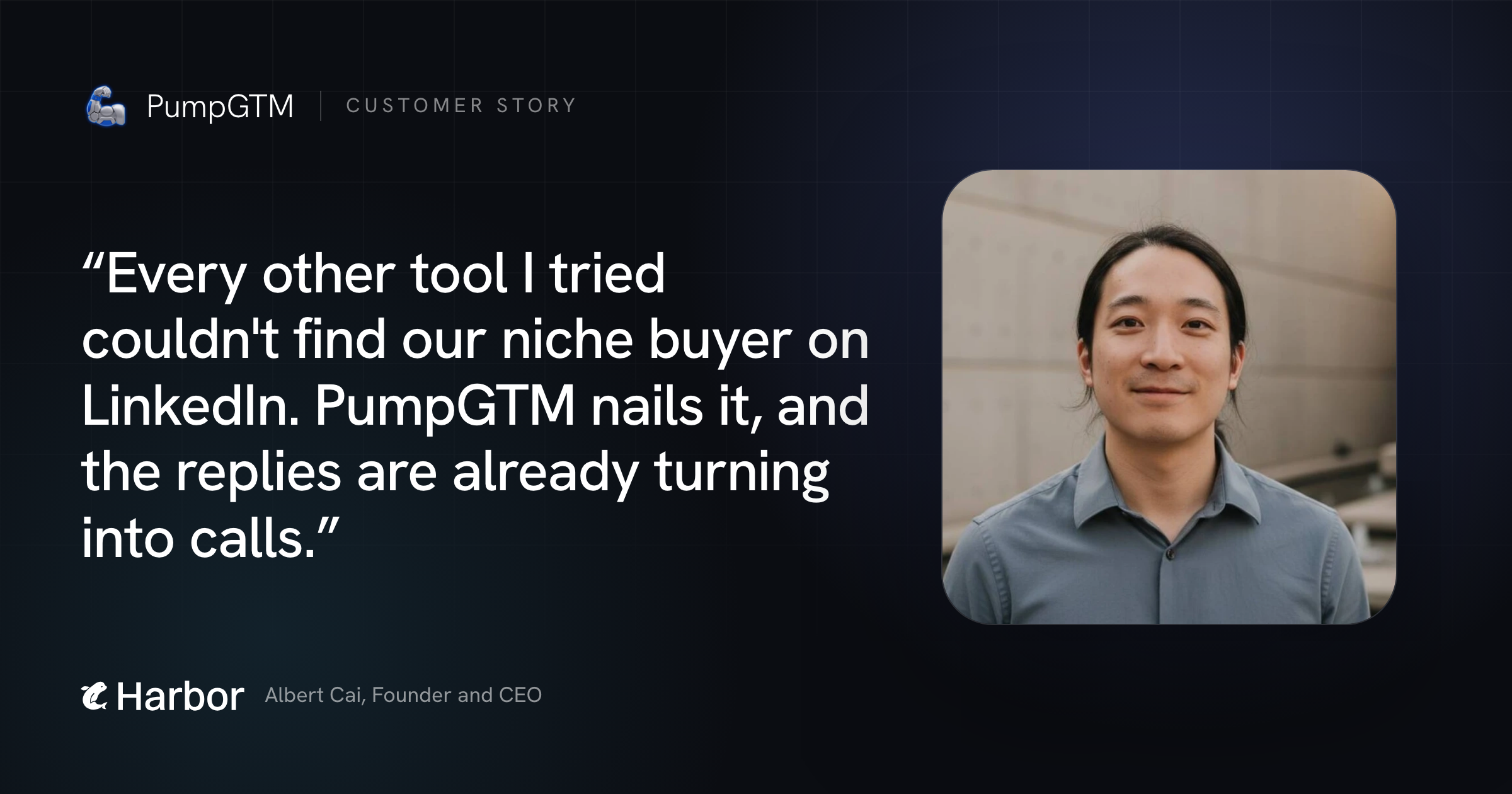
 Harbor
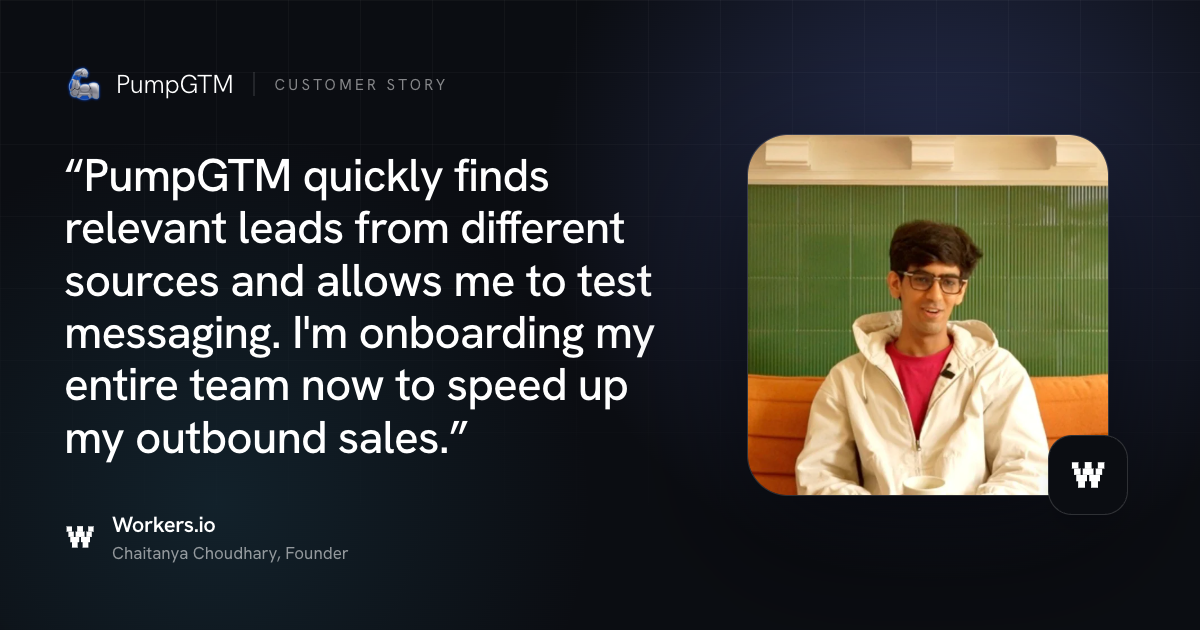
 Workers.io